How to Install OpenMRS on Ubuntu Linux

This article explains how to install and use OpenMRS (Open Medical Record System) on Ubuntu 24.04 LTS. OpenMRS is a free, open-source tool used to manage electronic medical records. It helps organizations save money by avoiding expensive commercial software. It is built using Java and runs through a web browser.
Why OpenMRS?
OpenMRS provides a professional way to track patient health data. It is ideal for clinics and hospitals that need a reliable system without the high cost of proprietary software. When you are done, you will have a functional, web-based medical record system ready for your team to use.
Install OpenJDK 17 or 21
OpenMRS requires Java to function. We recommend using OpenJDK 17 or 21, as these are the current Long Term Support (LTS) versions. To install OpenJDK 21, run these commands in your terminal:
sudo apt update
sudo apt install openjdk-21-jdk
After installing, verify the version by running:
java -version
Install MariaDB on Ubuntu Linux
OpenMRS stores its data in a database. We use MariaDB for this purpose. Follow these steps to install the latest stable version on Ubuntu 24.04:
- Install the repository helper:
sudo apt install software-properties-common - Add the official MariaDB repository to ensure you get the latest stable release.
- Run:
sudo apt update - Run:
sudo apt install mariadb-server
Once installed, start the service:
sudo systemctl start mariadb
sudo systemctl enable mariadb
Secure your database by running the setup script:
sudo mysql_secure_installation
Follow the on-screen prompts. Use a strong password for your root user. You do not need to change the default authentication method; the standard password-based security is sufficient.
Deploying OpenMRS
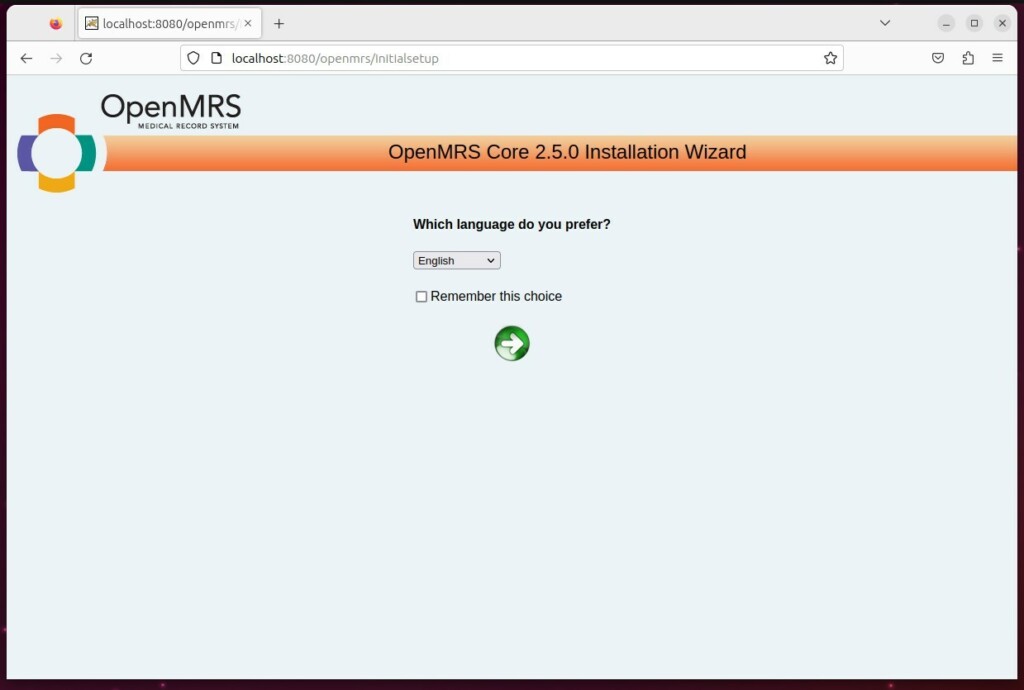
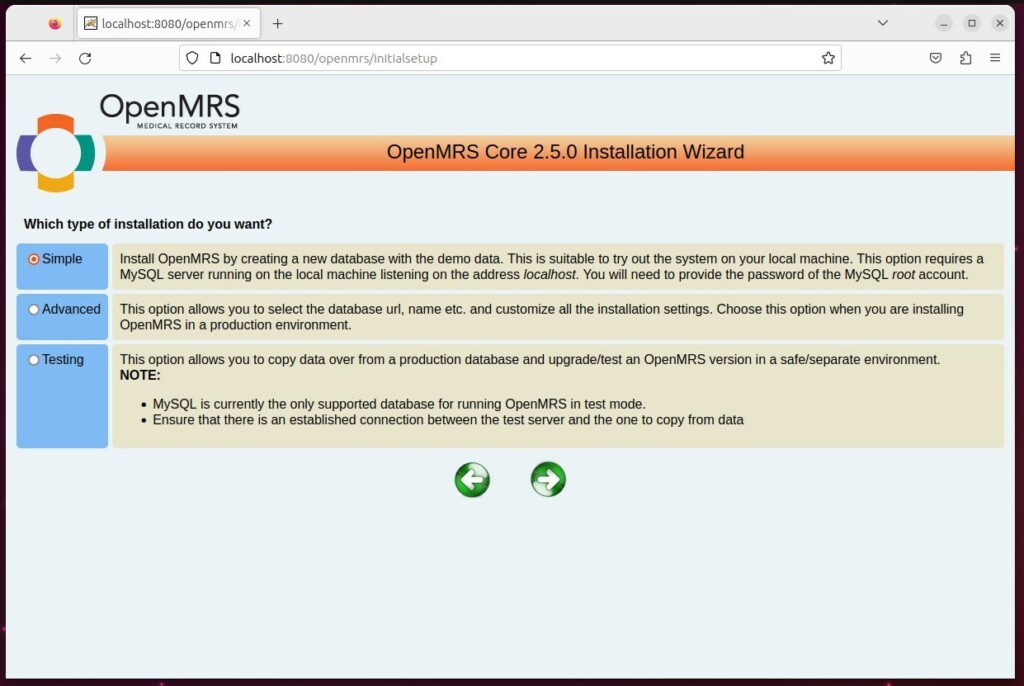
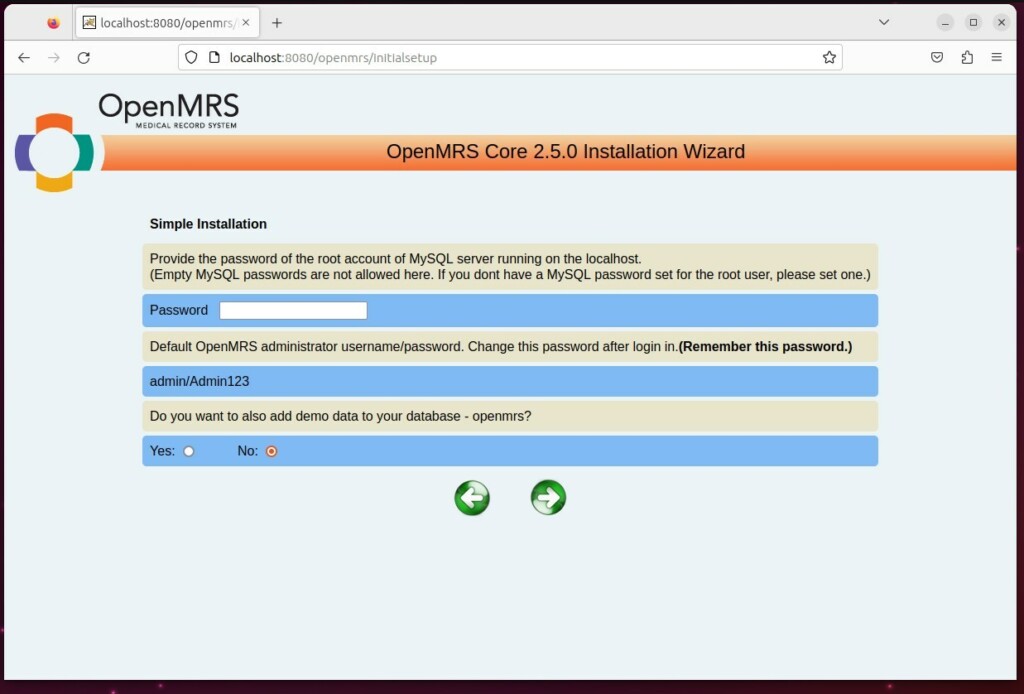
In 2026, the best way to deploy OpenMRS is using the OpenMRS SDK or Docker. Manual deployment of WAR files is no longer recommended because it is difficult to maintain.
Using the OpenMRS SDK
The SDK is a command-line tool that handles the setup for you. It automatically configures the server, database, and settings. It is the fastest way to get a development or testing environment running.
Using Docker
Docker is the preferred way for production environments. It packages OpenMRS and all its dependencies into a single container. This makes it easy to move, backup, and update your system without worrying about conflicts on your server.
To start, install Docker on your Ubuntu machine and pull the official OpenMRS image from the repository. This keeps your system clean and secure.
What happens when done?
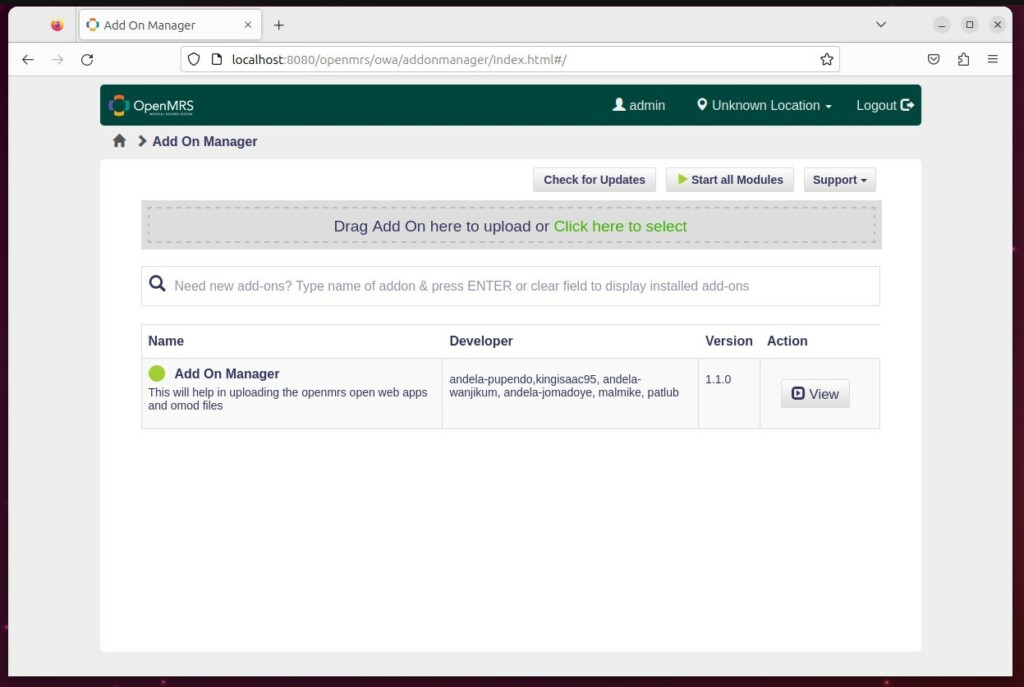
When you finish your deployment, you will have a fully functional EMR system. You can access the dashboard through your web browser. You can then add users, create patient records, and configure the system to meet your clinic’s specific needs.
Conclusion
OpenMRS is a powerful, cost-effective tool for managing medical records. By using modern deployment methods like Docker or the OpenMRS SDK on Ubuntu 24.04, you ensure your system is secure and easy to update. If you run into issues, check the official documentation or leave a comment below.
[Y/n] [Y/n] [Y/n] [Y/n] [Y/n] [Y/n] [Unit] [Service] [Install]
Was this guide helpful?





Leave a Reply Cancel reply